
Applying for A2P SMS compliance in LEADSORBIT is required if you plan to send business text messages using a 10 digit phone number, especially in the United States. A2P (Application to Person) compliance verifies your legitimacy with mobile carriers and ensures your SMS messages can reach recipients successfully.
Open A2P Registration
Start the compliance process inside LEADSORBIT where A2P registration tools are available.
- Navigate to Settings from the left side menu.
- Click Phone System.
- Click Trust Center.
- Select Brands & Campaigns (or A2P Messaging).
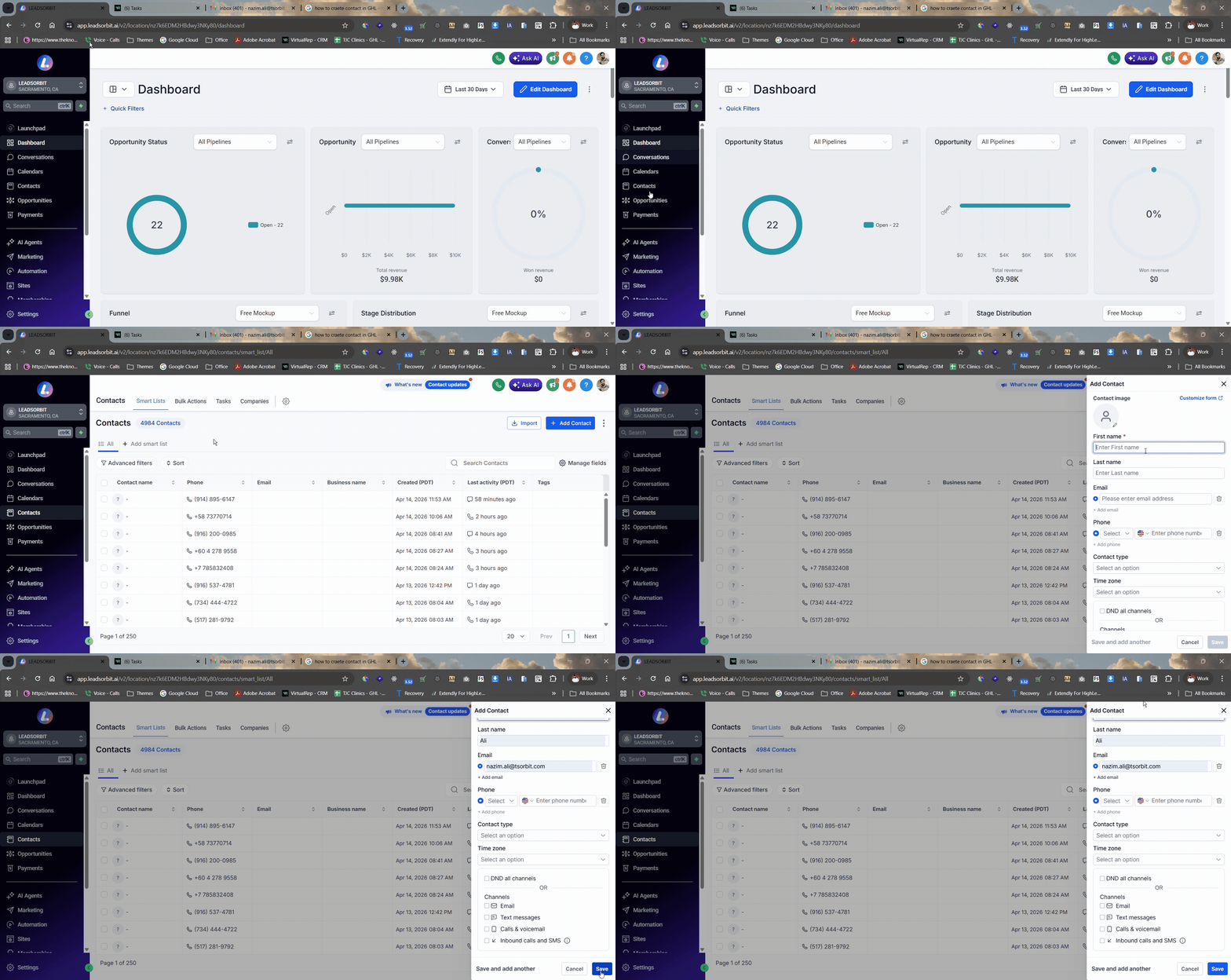
Complete Brand Registration
Brand registration verifies the business that will send SMS messages.
- Click Start Registration under the A2P Messaging section.
- Select your country of business registration (e.g., United States or Canada).
- Indicate whether your business has a Tax ID (such as EIN for US businesses).
- Enter required business details exactly as they appear on official documents:
- Business legal name
- Address
- Tax ID type and number
- Click Continue to move to the next step.
Submit Required Business Information
A2P compliance requires accurate business info and messaging use cases.
- Provide a valid physical address and contact details.
- Enter your legal business name exactly as listed on your Tax ID/EIN form.
- Define your SMS messaging use case (e.g., notifications, reminders, promotions).
- Upload or link to your Privacy Policy and Terms of Service files.
- Confirm all details and submit the registration.
Add Consent and Legal Pages
To comply with carrier standards, your forms and pages must collect proper consent.
- On any form that collects phone numbers, add separate checkboxes for SMS consent (marketing vs non marketing).
- Ensure you NEVER pre select consent boxes; users must opt in.
- Add clear links to your Privacy Policy and Terms of Service in the form footer.
- Include messaging language like “Text HELP for help, reply STOP to opt out.” in compliance with carrier rules.
Best Practices
- Match the business name on your A2P registration exactly with your legal entity details.
- Use separate SMS consent checkboxes on forms for clarity and compliance.
- Include Privacy Policy and Terms of Service links clearly in every opt in form.
- Provide clear messaging use case descriptions when submitting A2P details.
- Double check all contact and address fields for consistency before submission.
Common Issues
- Registration rejected: Ensure business details and messaging use cases are compliant and accurate.
- Consent not valid: Make sure SMS consent is collected with separate checkboxes and not pre selected.
- Missing legal links: Add Privacy Policy and Terms of Service links on forms as required.
- Brand name mismatch: Confirm that your legal business name matches exactly on all registration fields.
- Delay in approval: A2P registration can take time (often 1 to 3 weeks). Monitor the Trust Center for status updates.